Vehicle Behavior Blueprint
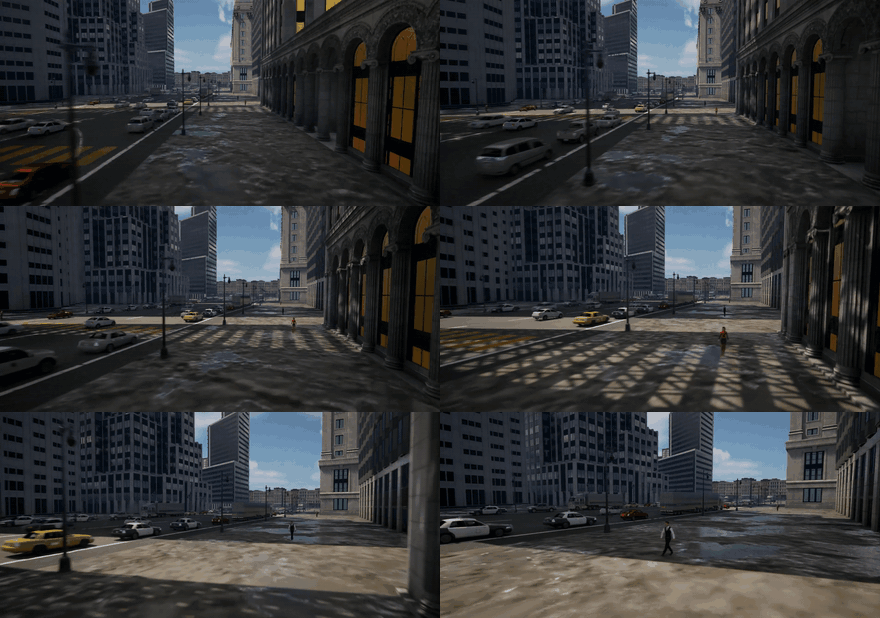
The Vehicle Behavior Blueprint is a custom, parameterized Unreal Engine Blueprint (VehicleAI) that populates a world with autonomous vehicle traffic that drives and reacts at runtime. This page covers how to download it and use it in your own Unreal project.
Download
Package being finalized
The Vehicle Behavior Blueprint will be published as a Blueprint package on the HERCULES releases page. Until the zip lands, this page already documents the requirements, install procedure, and sensor integration.
The package contains the HERCULES-authored behavior Blueprints (traffic spawner, VehicleAI logic, route tooling) only. Vehicle model packs are third-party marketplace content — linked, not shipped — see Using Blueprint Packages.
Requirements
| Requirement | Notes |
|---|---|
| Unreal Engine 5.2.1 | Version HERCULES is built against |
| HERCULES AirSim plugin | For sensing integration (install) |
| Vehicle model pack(s) | Linked from the release notes; assign meshes via the Blueprint's exposed vehicle slots |
| Road network / spline routes | The traffic follows routes defined in your level (spline-based); the urban HERCULES world ships with its own |
Install into your Unreal project
Follow the general steps in Using Blueprint Packages:
- Download and unzip the Blueprint package, and copy the contained folder into your project's
Content/. - Install the vehicle model pack(s) from their store links.
- Restart the Unreal Editor and assign vehicle meshes to the Blueprint's exposed slots.
- Lay out (or import) the route splines along your road network.
Usage
- Place the traffic / vehicle behavior Blueprint into your level along the road network.
- Configure traffic density, speeds, and routing behavior.
- Play / run the simulation — the vehicles drive through the world and are observable by all robots' sensors.
Parameters
| Parameter | Description | Default |
|---|---|---|
| Traffic density | How many vehicles | — |
| Speed range | Vehicle speeds | — |
| Routes | Road network the vehicles follow | — |
Sensor integration
- Spawned vehicles must be registered with instance segmentation (
AddNewActorToSegmentationon spawn — see Using Blueprint Packages). - Mesh names containing
car,truck, orvehicleclassify as engine-warmed metal (305 K) in the LWIR thermal camera; tune per-model signatures withOverridesentries if needed.
See the Dynamic Environmental Phenomena overview and the Environments for these agents in context.